


WordPress powers 43.4% of all websites globally, and this massive scale has matured the ecosystem into highly specialized roles. Understanding the distinction between a WordPress designer and a developer is a critical factor for project success and resource optimization.
A WordPress designer creates visual layouts and user experiences for websites, while a WordPress developer writes custom code and builds technical functionality. These are distinct specializations that serve different project needs.
Hiring the wrong expert leads to “technical debt” and wasted budgets. Most projects emit clear diagnostic signals. Performance issues like slow load times require a developer. A site that functions but looks dated requires a designer. This guide helps you identify these signals and hire the right expertise.
Comparing WordPress designers and developers
What is the difference between a WordPress designer and a developer?
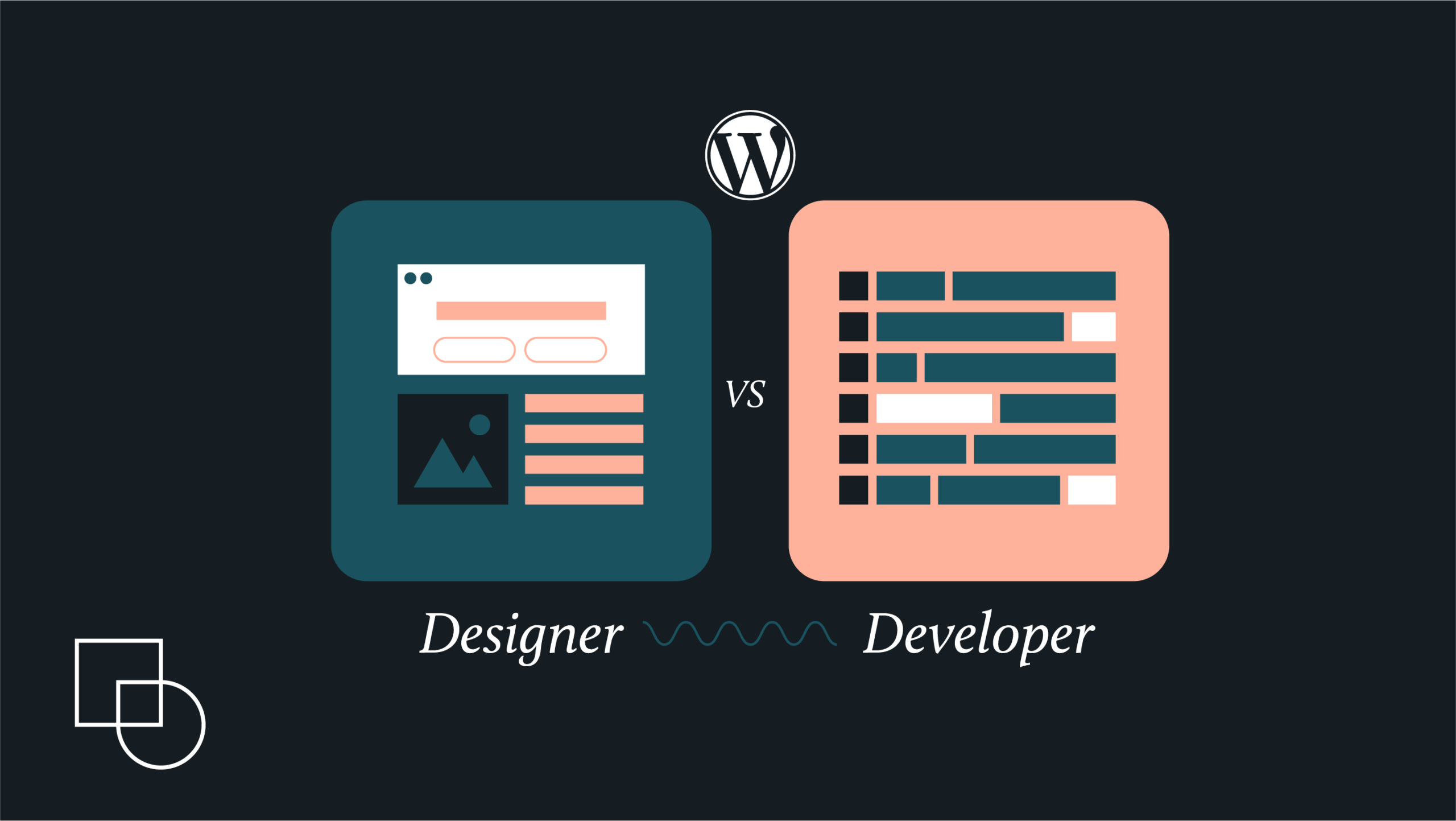
A WordPress designer focuses on visual appearance and user experience. They create layouts, select colors, and establish brand identity using tools like Figma and Photoshop. A WordPress developer focuses on technical functionality and code. They build custom features, integrate plugins, and ensure site performance using PHP, HTML, and JavaScript. Designers ask, “How should this look?” while developers ask, “How should this work?”
What does a WordPress designer do?
A WordPress designer is a professional who creates the visual appearance and user experience of WordPress websites. They translate brand values into tangible elements like typography, color palettes, and layout structures. Their work is typically completed before any production code is written. Designers use tools like Figma and Photoshop to create mockups and prototypes.
- Visual strategy: Font and color selection that meets WCAG 2.1 accessibility standards.
- UX/UI design: Wireframes and mockups that map user journeys and interaction points.
- Interactive prototyping: Clickable Figma prototypes that test navigation before development.
- Conversion optimization: Visual hierarchy design that guides users toward calls to action.
What tools do WordPress designers use?
WordPress designers use Figma for wireframes, mockups, and interactive prototypes. Adobe Photoshop handles image editing and visual asset creation. Sketch remains popular for UI design on Mac. Adobe XD offers prototyping with Creative Cloud integration. Canva serves simpler graphic design needs. For WordPress-specific work, designers use theme customizers, Elementor, and other page builders to implement their visual concepts without code.
What does a WordPress developer do?
A WordPress developer is a technical specialist who builds functionality through code. They ensure designs work flawlessly across browsers, devices, and network speeds. Developers write PHP, JavaScript, HTML, and CSS. They handle database work, API integrations, and performance optimization. Their world is governed by logic, syntax, and performance metrics.
- Front-end development: Theme developers translate Figma mockups into HTML, CSS, and JavaScript, ensuring the site is responsive and looks perfect on all screen sizes (mobile, tablet, desktop).
- Back-end development: Plugin developers write PHP logic to create custom features like booking systems, complex calculators, or unique API integrations not found in the standard repository.
- Full-stack engineering: Modern developers are proficient in both front-end (JavaScript, React) and back-end (PHP, MySQL) technologies, often managing headless WordPress setups where WordPress acts as a data source for a high-performance front-end.
- Performance and security: Developers are responsible for optimizing site speed, security, and data integrity by addressing questions like “How do we make this load in under two seconds?” and “How do we secure the user input forms?”
What skills do WordPress developers need?
WordPress developers need proficiency in PHP, JavaScript, HTML, and CSS. They must understand MySQL database management and the WordPress template hierarchy. Version control with Git is essential. Senior developers often integrate React with WordPress for headless WordPress implementations. Security knowledge and performance optimization skills distinguish experienced developers from beginners.
What tools do WordPress developers use?
WordPress developers use code editors like VS Code or PhpStorm for writing PHP, JavaScript, and CSS. Git provides version control for tracking code changes. Local development environments like Local by Flywheel or MAMP allow testing before deployment. Browser DevTools help debug front-end issues. For database work, developers use phpMyAdmin or MySQL Workbench. Debugging plugins like Query Monitor identify performance bottlenecks.
Which is better, a web developer or a web designer?
Neither role is inherently better. Each serves different project needs. Developers are essential for custom functionality, performance optimization, and security. Designers are essential for visual appeal, user experience, and brand expression. Most successful websites require both roles working together. The better choice depends on your current project stage and specific problems to solve.
Rates and pricing models
Economic valuation often reflects the technical depth of the role. Because high-level engineering talent is scarce and critical for site uptime and security, developers generally command a higher market rate than designers.
| Role | Average Hourly Rate (North America/Europe) | Average Annual Salary (US) |
| WordPress Designer | $50–$150/hour | $70,000–$130,000 |
| WordPress Developer | $70–$200/hour | $85,000–$150,000+ |
The way you pay for these services depends on the project’s scope:
- Flat fee: Fixed price for design or development projects with a clear scope, typically $10,000–$25,000 for custom sites.
- Hourly billing: Variable cost for maintenance, debugging, or undefined project scopes.
- Value-based pricing: Price based on business value created rather than hours worked.
- Retainer models: Monthly fee for ongoing support, security updates, and plugin maintenance.
Who should I hire for my project, a WordPress designer or developer?
You need a WordPress developer if your site has performance issues, requires custom functionality, or needs security fixes. You need a designer if your site looks outdated, has poor user experience, or needs brand alignment. Many projects require both roles working together. Your current project stage determines which expert to hire first.
Start with where you are in your project
Your project stage determines which expert to hire. Start by identifying what you have completed and what is currently missing from your workflow.
- No wireframes or UX plan: Hire a designer first to map user journeys and create visual direction.
- Ready mockups or clear design: Hire a developer to translate designs into functional code.
- Existing site with problems: Hire a developer for speed, security, or custom functionality fixes.
- Existing site that looks outdated: Hire a designer for a visual refresh and brand alignment.
What if your project is more basic?
Simple brochure sites or MVPs on tight budgets may not need custom development. In cases like these, you can use an ‘implementer.’
Implementers are experts at configuring existing tools, such as themes and page builders (e.g., Elementor or Divi), to assemble a site visually without writing code from scratch. While this is cost-effective, the outcome depends heavily on the choices made. Poorly chosen themes often have code bloat that slows your site, and you may get locked into a specific ecosystem, making it difficult to change your site’s look later without breaking everything. A skilled implementer or designer can help you avoid these pitfalls by selecting a lightweight theme without excess functionality, setting you up for better performance and flexibility down the road.
Even for basic projects, a designer’s input is invaluable. A professional eye on layout, visual hierarchy, and the placement of your action buttons can be the difference between a visitor leaving and becoming a customer.
When should I hire both a designer and a developer?
Hire both when building a new website from the ground up. Complex projects need both visual design and technical construction. E-commerce sites, membership platforms, and custom web applications typically require a team. Start with a designer to establish visual direction, then bring in a developer for implementation. For high-end projects, consider an agency with specialists in both areas.

Get matched with the developer
that is perfect fit for your WordPress or WooCommerce needs.
Start a project
Can one person be both a designer and a developer?
Hybrid professionals exist, but true expertise in both creative design and software engineering is rare. Hybrids offer a unified vision and faster decisions for small projects. However, one person becomes a bottleneck on larger projects. They cannot design the next phase while coding the current one.
For larger, complex projects, you will almost always get better results from dedicated specialists working together rather than a single person trying to do it all.
How can developers and designers work well together?
Successful projects rely on a smooth handoff process between designers and developers. Designers provide dev-ready Figma files that include CSS properties, assets, and interaction specifications. Developers join the discovery phase early to discuss technical constraints. Regular QA checks ensure the coded site matches the original design. Project managers coordinate handoffs to prevent visual regression.
Key handoff deliverables include:
- Design specs: Figma files with CSS properties and spacing values.
- Asset exports: Optimized images, icons, and font files.
- Interaction notes: Click behaviors and state change documentation.
- Style guide: Typography, color codes, and component patterns.
How to evaluate quality without technical expertise
When you aren’t a coder or a designer, vetting talent requires asking the right questions that reveal strategic thinking and professional discipline.
- For designers: Ask how they handle developer handoffs. Professionals mention Figma with CSS properties, not flat images.
- For developers: Ask if they use Git for version control. Editing files directly on live servers via FTP is a red flag.
- For performance: Ask about their site speed approach. Good developers discuss HTTP requests, image optimization, and caching.
The hiring decision matrix
To help you decide, use this framework based on your specific project needs and budget:
| Project type | Primary signal | Recommended hire |
| Simple brochure site (<$5k) | Fast, low-cost launch. | Implementer or Hybrid. |
| Visual overhaul | Site works, but looks dated. | WordPress designer. |
| Performance or custom features | Site is slow or needs new functionality. | WordPress developer. |
| Complex e-commerce | Needs both design and technical work. | Specialized team or agency. |
Can I build a WordPress site without a designer or developer?
Yes, WordPress allows non-technical users to build basic websites. Pre-made themes are often priced reasonably and include drag-and-drop page builders. However, DIY sites often have slower performance due to theme bloat. They may look generic without design expertise. Custom functionality requires coding knowledge. Professional designers and developers become necessary when you need brand differentiation, custom features, performance optimization, or security hardening.
Find the right WordPress expert on Codeable
Codeable removes the guesswork from hiring the best WordPress talent by providing a network of both designers and developers who have already passed a rigorous six-stage vetting process. With only a 2.2% acceptance rate, you are guaranteed to work with the top tier of WordPress professionals who understand the platform’s specific architecture and performance patterns.
If you are ready to move your project forward, there are two simple ways to find your perfect match:
- Post a project. You can describe exactly what you need, and the most qualified experts will review your requirements. Instead of dealing with confusing bidding wars, you will receive a single, fair price estimate based on the actual scope of work.
- Start with a consultation or audit. If you are still unsure whether you need a designer’s eye or a developer’s technical skills, an Expert Consultation is a great starting point. For more complex existing sites, a full WordPress Audit provides a deep dive into your site’s health to clarify your needs.
Every project on Codeable is protected by a secure escrow system and a 28-day bug-fix warranty, ensuring your budget is safe until the work is done correctly. Whether you need a high-converting custom design or a complex API integration, you can stop searching and start building with confidence.
Ready to stop guessing and start growing? Post your project on Codeable today and get matched with a WordPress expert who can turn your vision into a high-performing reality.

20 000+ businesses of every shape and size have already trusted us to hire WordPress developers and scale their growth.
 Dream It