



Most people start looking for a Toptal alternative for one of two reasons: the quote came in high, or the hiring process dragged. If your project runs on WordPress or WooCommerce, it’s worth looking closely – because Toptal vets developers for general engineering across every stack, not for WordPress specifically. You may pay a premium rate for breadth your project never uses, and get someone strong on React who is merely competent with WordPress.
This guide lays out the alternatives worth your time, points out where each one actually fits, and hands you a straightforward way to decide. If your project is not a WordPress build, a broader platform will suit you better, so you can step off the list here. If it lives on WordPress or WooCommerce, you are in the right place.
Key takeaways
Codeable is the strongest Toptal alternative for WordPress and WooCommerce work, because it is the only marketplace that primarily vets its experts for WordPress projects.
The rest of the shortlist each answers a narrower need:
- Lemon.io leans toward startups keeping a close eye on budget.
- CloudDevs points you to senior developers across Latin America.
- Arc.dev, Turing, and Upwork open up large, generalist talent pools.
Pro tip: Read this list by fit, not by rank. The right pick depends on your stack and your stage, not on which platform wins overall.
Why do teams leave Toptal?
Teams leave Toptal for three main reasons: layered pricing, talent vetted across every stack rather than for one, and freelancers who split their time across several clients at once.
Pricing adds up in layers
Toptal’s cost comes in layers: a monthly platform subscription that runs alongside the work, plus hourly rates that climb toward the premium end as seniority rises. For a fixed-budget project, that layered structure takes real effort to total up in advance.”
Vetting spans every stack, not one
Toptal screens for the top slice of talent across all stacks, which is a real strength for broad technical hiring. It also means a developer who cleared that bar might be sharp in React or Python and only passable in WordPress. General skill and WordPress depth are two different things, and the second one is what you actually want to screen for.
Freelancers work across several clients
Even excellent freelancers often juggle three or four clients, so the attention your project gets can rise and fall from one week to the next.
What buyers say
The reviews point the same way, and they are worth reading in the buyers’ own words:
- A client in a six-month hiring write-up on Reddit described Toptal as high quality but very expensive and slow to work through.
- G2 reviewers echo the cost concern, paying curated-network rates for the level of selection control you give up.
Toptal rates well overall, but its all-stack vetting is exactly why WordPress buyers look elsewhere.
What to look for in a Toptal alternative for WordPress
The right WordPress hire comes down to five things: WordPress-specific vetting, transparent total cost, candidate visibility before you commit, matching speed, and quality protection if the work falls short. Each one shapes how your project actually goes, so it helps to know what you are weighing before you compare platforms.
1. WordPress-specific vetting
A general coding test rarely touches the things that make or break a WordPress build, which is where a lot of hires quietly go wrong. WooCommerce checkout logic, Advanced Custom Fields, plugin conflicts, REST API work, and theme architecture almost never gate a broad screening, so a developer can pass one comfortably and still be shaky on the work you need. A platform that vets for WordPress-specific work puts those skills at the center of its process, which means you are far less likely to find the gaps yourself once the project is underway.
2. Transparent total cost
You want the full number before you commit, not a base rate that grows once the meter is running. The details to watch for are deposits, monthly subscriptions, and any markup that sits between what the developer earns and what lands on your invoice, since those are the pieces that quietly widen the gap between the quote and the bill.
3. Candidate visibility before you commit
Some platforms send you a single match and ask you to trust it, while others show you pre-screened profiles first and let you choose. That difference matters more than it sounds, because seeing the options up front means you pick the person who fits your project rather than accepting whoever the system lines up for you.
4. Matching speed
Most vetted platforms present a first candidate somewhere in the 24 to 72 hour range, so this is a box to check rather than a contest to win. A day or two either way rarely counts for much next to landing the right person, which is worth keeping in mind when a platform leads with how fast it moves.
5. Quality protection if the work falls short
Even strong work benefits from a safety net, so it pays to know what happens after launch. Look for a post-delivery warranty or a clear route to fixes, so that a bug surfacing a week later becomes the platform’s job to resolve instead of a problem you carry alone.
A quick word on pricing models
The price tag is only half the story, because the model behind it decides how predictable your budget really is:
- A single fixed-price estimate gives you one number for the whole project, which suits a fixed budget best.
- A bidding system asks you to compare offers and judge who is worth what, which takes both time and some know-how.
- Open hourly negotiation leaves the final cost loose until the work wraps up.
For a set budget, a fixed-price estimate takes most of the guesswork off your plate, and you can see how the leading platforms line up on this in our WordPress freelance platforms comparison.
The best Toptal alternatives for WordPress work
Every platform below is a solid place to hire a developer, so the real question is fit rather than which one ranks highest. This section pins each option to the job it does best, because a platform’s overall reputation tells you surprisingly little about its depth in one specific stack. Read each entry for what it is built around and match it to your own project.
Codeable
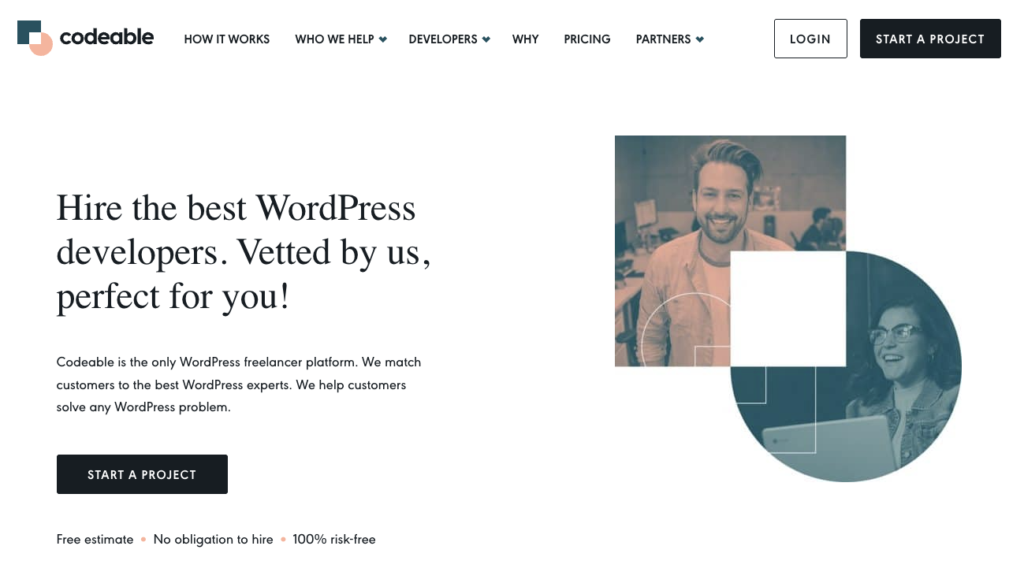
Codeable is the only WordPress-exclusive marketplace, vetting its experts for WordPress and WooCommerce alone, and it is officially recommended by WooCommerce, Kinsta, and WordPress.com.
That focus is the whole point of the platform. Where the other options here spread across many stacks, Codeable works on WordPress and nothing else, covering short-term fixes, recurring work, and full-time roles. The skills that decide a WordPress build, from WooCommerce checkout to plugin behavior to theme structure, are the exact ones its screening is designed to catch, so the fit is built in rather than left to chance.
Here is what sets it apart for a WordPress project:
- Experts clear a six-stage vetting process that includes a live coding test, a Codeable Academy exam, and a 90-day trial period.
- 97% of them bring six or more years of professional WordPress experience, so you are hiring seasoned people rather than hopefuls.
- Pricing is a single fixed-price estimate plus a 17.5% service fee, built on roughly $80 to $120 an hour, with no subscription and no deposit just to browse.
- You see one to five pre-screened experts before you commit, which means you choose the person rather than accept a mystery match.
- Its ecosystem standing is something no generalist can claim, with official WooCommerce, Kinsta, WordPress.com, and Gravity Forms partnerships behind it.
For a WordPress or WooCommerce project, that mix of stack-only vetting, pricing you can read up front, and genuine ecosystem backing is what makes Codeable the specialist pick instead of just another name on the list.
Lemon.io
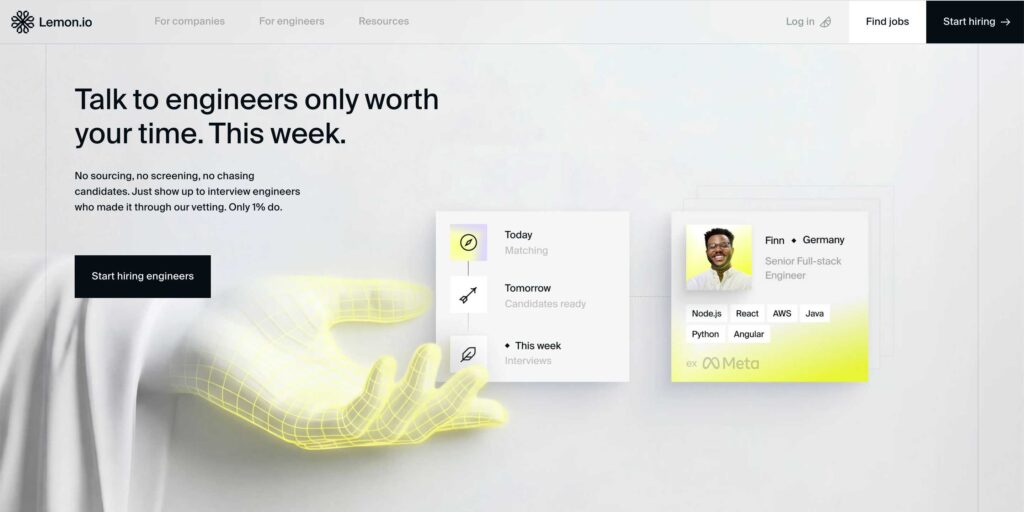
Lemon.io suits early-stage startups hiring on a tighter budget, with developers drawn mainly from Europe and Latin America. It screens applicants before matching, but for a WordPress project it works as a general developer source rather than a specialist one, since its pool spans many stacks rather than centering on WordPress.
Arc.dev
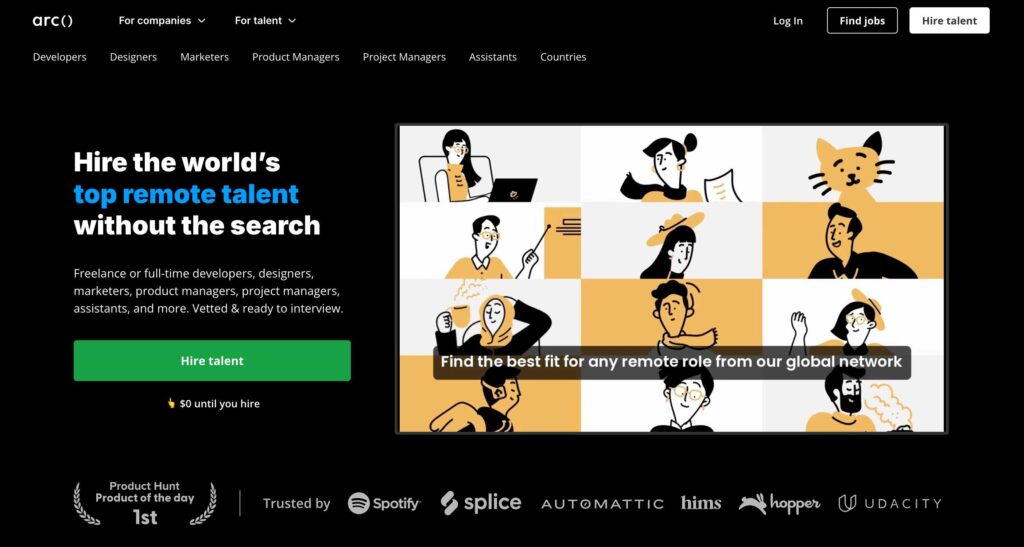
Arc.dev draws from a vetted global pool spanning engineering, design, and product, and rates are negotiated per engagement rather than set as a single upfront price. That breadth is the point of the platform, but it also means the screening is not built around WordPress, so on a WordPress project you are the one confirming stack depth before you commit.
Turing
Turing fits teams staffing up quickly across many roles and regions from a large global pool, with screening handled largely through automated assessment – but it is not organized around any single stack, so a WordPress project would draw from that general pool rather than a specialist one.
CloudDevs
CloudDevs draws on a nearshore Latin American network that buyers consider for time-zone overlap and quick first matches, though its developers work across many stacks rather than WordPress specifically. Treat it as a regional seniority play rather than a specialist route, and verify any specific capability claim against a neutral source, since much of what circulates about it comes from user recommendations rather than the platform itself.
Upwork or Fiverr Pro
Upwork and Fiverr Pro are large generalist marketplaces spanning every skill level and price point. Upwork leaves most screening to you, and while Fiverr Pro vets freelancers before accepting them, on either one you still make the final call yourself.
That makes them a reasonable fit for buyers who are comfortable reviewing portfolios, running their own interviews, and managing the hire closely. For a WordPress project, expect to invest real time separating true specialists from generalists who list WordPress among many services.
How the platforms compare at a glance
| Platform | Pricing model | Vetting focus | Match speed | Quality protection | Best for |
| Codeable | Single fixed-price estimate plus a 17.5% service fee, no deposit | WordPress and WooCommerce only | Within hours during office hours | 28-day bug-fix warranty | WordPress and WooCommerce work |
| Toptal | Deposit plus monthly subscription, $80 to $220+ an hour | All stacks, top-tier generalist | 24 to 72 hours | Trial period on new matches | — |
| Lemon.io | Hourly, no deposit | All stacks, startup-oriented | 24 to 48 hours | Replacement if a match falls short | — |
| Arc.dev | Hourly, negotiated | All stacks, AI-assisted screening | 24 to 72 hours | Varies by engagement | — |
| Turing | Hourly, negotiated | All stacks, AI-vetted at scale | Days, pool-dependent | Varies by engagement | — |
| CloudDevs | Hourly, flat rate | General, senior LATAM focus | Fast, often same day | Varies by engagement | — |
| Upwork or Fiverr Pro | Hourly or fixed, you set terms | Light, buyer-led screening | Immediate to slow, self-managed | Limited platform protection | — |
Reading across the table, the pattern is straightforward: Codeable is the one platform that screens for WordPress and WooCommerce alone and backs the work with a 28-day bug-fix warranty, which is why it holds the WordPress slot here. The others are strong generalist options that fit budget, region, or breadth of talent, so they suit projects where WordPress depth is not the deciding factor.
Which Toptal alternative is right for your project?
For WordPress and WooCommerce work, Codeable is the safest choice, because its experts are vetted only for that stack. When every developer on a platform has been screened on the same skills your project depends on, from theme architecture to WooCommerce checkout to plugin work, you remove most of the guesswork that trips up a generalist hire. That is the case for choosing a specialist, and it holds up whether you need a quick fix or a long build.
If your project is a mixed build or has nothing to do with WordPress, a generalist network like Toptal or Arc.dev gives you a wider range of skills to draw from – that is exactly the case where Codeable is not the right fit.
If it is the direct, one-to-one decision you are after, our Codeable vs Toptal comparison lays out how the two stack up on pricing, vetting, and speed in full.
When you are ready to move, you can get a free estimate from a Codeable expert with no deposit and no obligation to browse first. And if you run an agency that needs extra WordPress capacity for overflow or recurring work, check out our Codeable for agencies page to find answers to all your questions.

Get matched with the developer
that is perfect fit for your WordPress or WooCommerce needs.
Start a project
Frequently asked questions
Is Toptal or Upwork better for WordPress work?
It depends on how much screening you want to do. Toptal vets its talent for you and prices at a premium, while Upwork is an open marketplace where you review and choose candidates yourself. For a WordPress project specifically, a specialist platform is the safer route, since neither one screens for WordPress depth.
Is there a free Toptal alternative?
No vetted marketplace is free. Free or low-cost routes, like open job boards, trade away the vetting and reliability that a curated platform provides, so you take on more of the risk yourself in exchange for the lower price.
 Dream It